Restoring From Duplicacy

Somethings been deleted and you need to restore it now. Lets get started.
You'll have to first follow Backing up with Duplicacy again but there will be minor changes.
When you're configuring the storage it'll tell you it's been initialized already. Here you can enter the name of the storage and the password that you set for that storage.
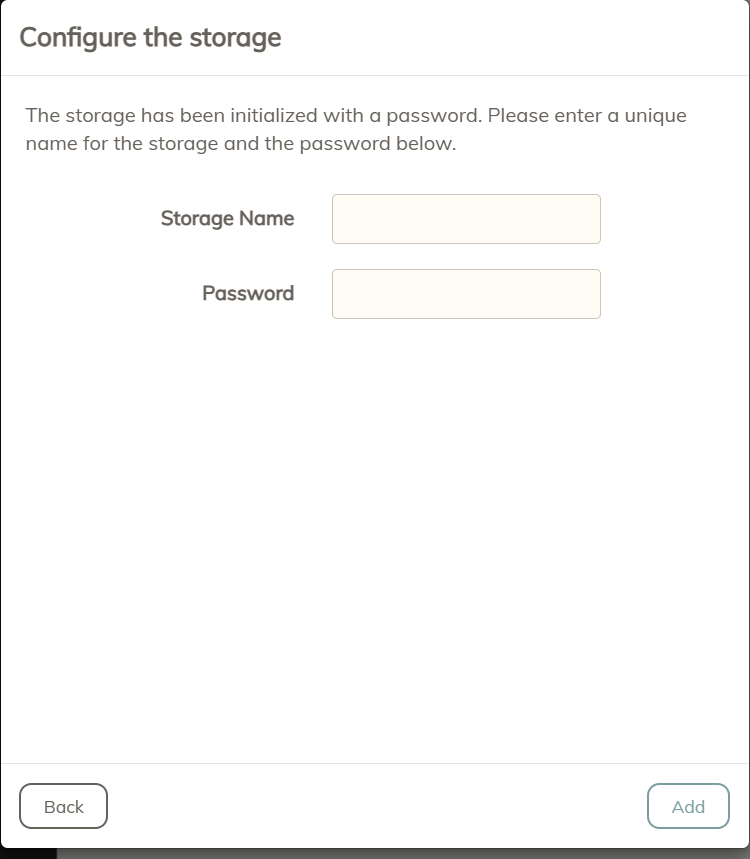
Once you enter your credentials and a name head to restore.

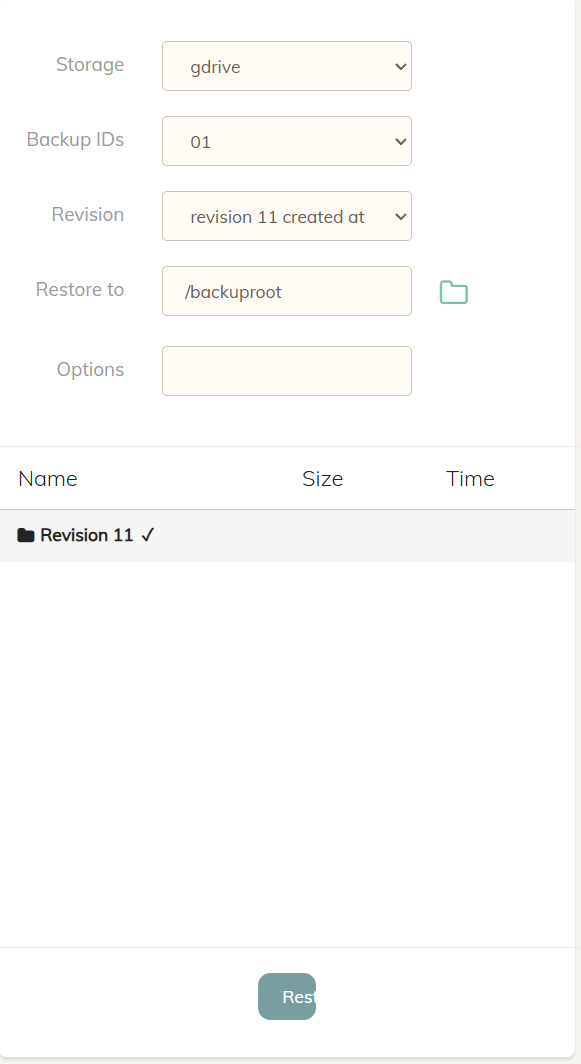
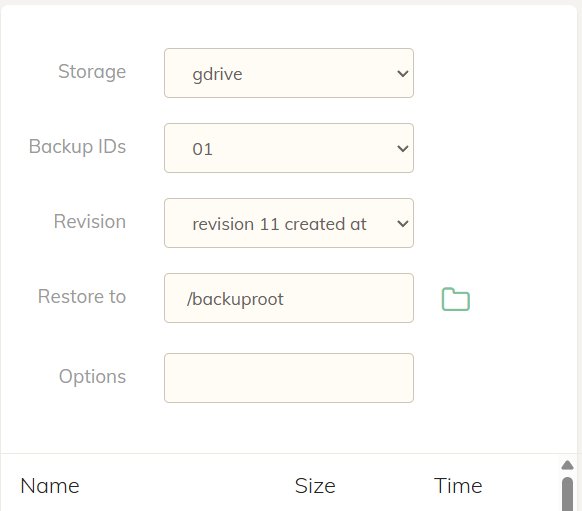
From here you'll choose the storage you're restoring from, a backup id , a revision, and then where you'd like to restore to.
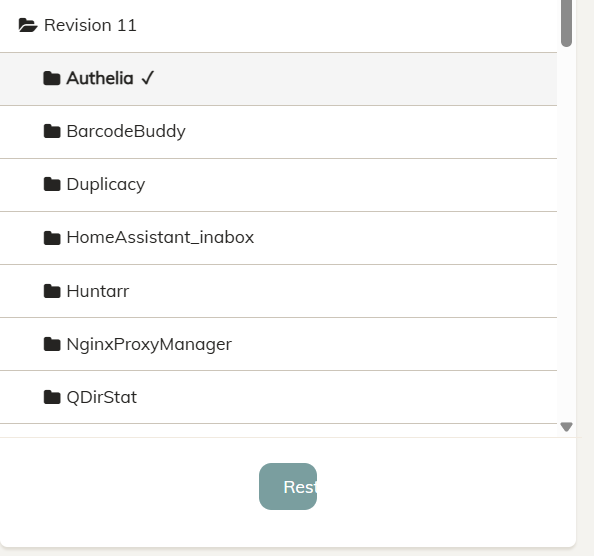
If you want to restore a certain folder/file click on the folder icon to view the directory. For example only Authelia would be restored since i have it checked.